
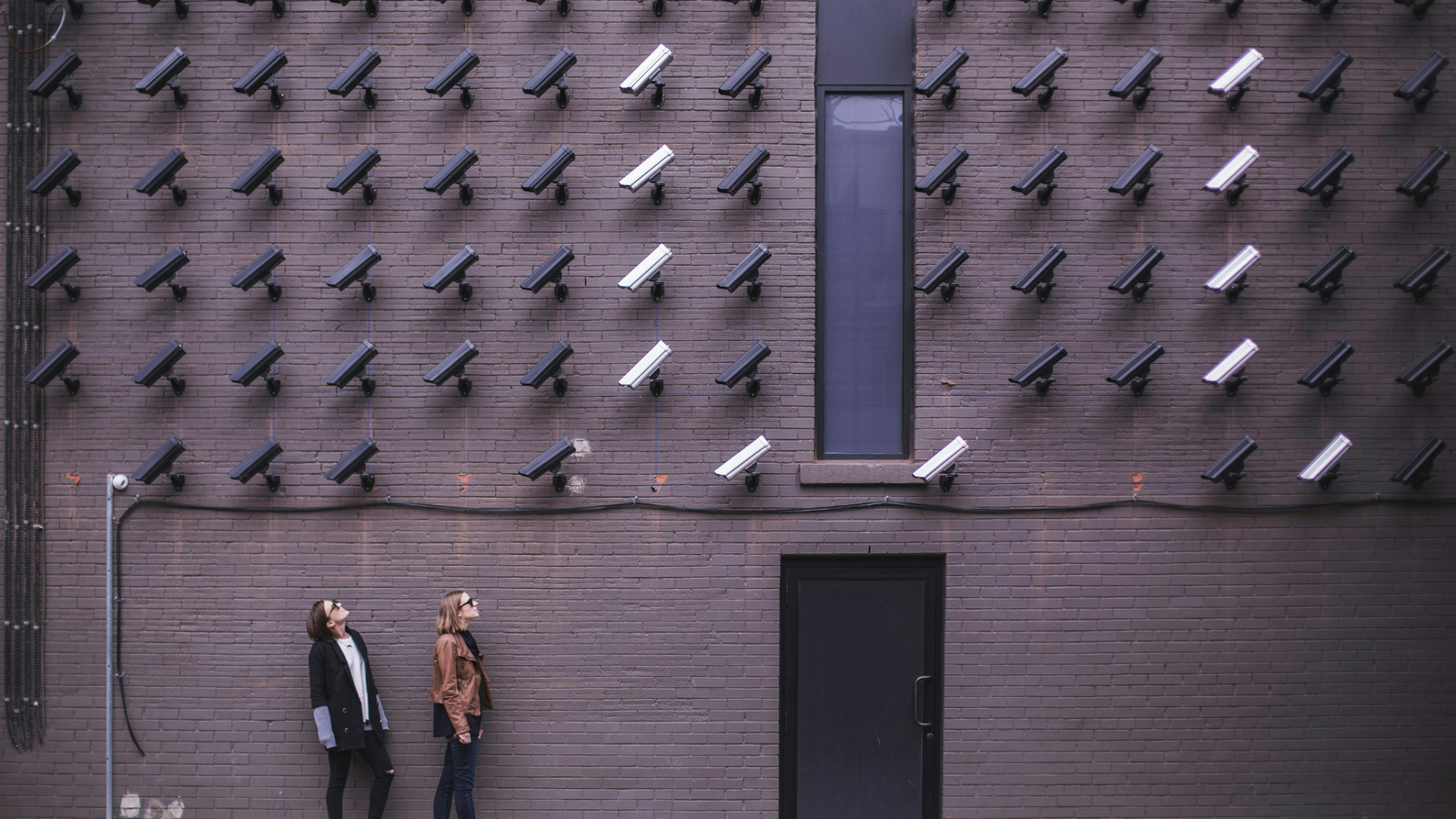
Choosing the right security camera in 2026 is not as simple as picking the most popular brand. With so many smart features, pricing models, and ecosystems, homeowners are often stuck between three major names:
Ring vs Arlo vs Blink
All three brands dominate the smart home security market — but they serve very different types of users.
So which one is actually best for your home?
In this guide, we’ll break down everything — features, pricing, video quality, subscriptions, and real-world performance — so you can make the right decision.
Ring (owned by Amazon) focuses on complete home security ecosystems — including cameras, doorbells, alarms, and smart integrations.
Ring is often considered the most balanced option overall.
Arlo is known for premium-quality cameras and advanced features.
Arlo focuses on high-end performance and smart detection.
Blink (also owned by Amazon) targets budget users and beginners.
Blink is designed for basic, no-frills security.
| Feature | Ring | Arlo | Blink |
|---|---|---|---|
| Video Quality | 1080p HD | Up to 4K | 1080p HD |
| Price | Mid-range | Expensive | Budget |
| Smart Detection | Good | Advanced AI | Basic |
| Battery Life | 6–12 months | Moderate | Up to 2 years |
| Smart Home | Alexa | Alexa, Google, Apple | Alexa |
| Installation | Easy | Easy | Very Easy |
| Best For | All-round users | Premium users | Budget users |
If video quality is your top priority, Arlo is the clear winner.
Arlo cameras are considered among the best in image quality and detail.
While not as high-resolution as Arlo, Ring provides consistent and reliable video quality.
Blink works fine for general monitoring, but not for detailed identification.
Arlo offers:
It uses AI to reduce false alerts significantly.
Ring includes:
It balances smart features with usability.
Blink is functional but not intelligent.
Blink is ideal for low-budget setups.
Ring offers the best price-to-performance balance.
Arlo is best for users willing to invest in quality.
Ring plans are generally cheaper than Arlo.
This is one of Blink’s biggest advantages.
All three brands are:
But:
From Reddit discussions:
“Ring is faster and more stable… Arlo smarter but slower.”
“Blink is reliable and economical… but very basic.”
👉 Summary:
Pros
Cons
Pros
Cons
Pros
Cons
👉 Best for most users
👉 Best for premium users
👉 Best for beginners
There is no single “best” camera — only the best for your needs.
In 2026, smart home security is more accessible than ever — but choosing wisely makes all the difference.
Security cameras generally store footage in one of two ways: locally on a physical drive or memory card, or remotely through a cloud subscription. Local storage avoids recurring subscription fees and keeps footage entirely on your own hardware, but it typically requires more manual setup and offers less convenient remote access if the storage device fails or is stolen along with the camera. Cloud storage costs more over time but offers easier remote access, automatic backups, and often more advanced AI-based detection features that rely on server-side processing. Deciding which model fits your budget and technical comfort level is worth doing before comparing specific camera brands, since it affects the real long-term cost of any system you choose.
Any camera pointed toward a shared space, such as a sidewalk, a neighbor’s yard, or a shared driveway, raises privacy considerations worth thinking through before installation. Angling cameras to capture your own property as precisely as possible, checking local regulations regarding recording audio in your area, and being transparent with household members and frequent visitors about where cameras are placed all help avoid uncomfortable situations or potential legal issues down the line. Most camera apps also include privacy zones you can mask out of the recorded frame, which is worth setting up if a camera’s field of view unavoidably includes a neighboring property.
Camera placement affects performance more than most people expect, regardless of which brand you choose. Mounting cameras at a height that captures faces clearly, rather than only the tops of heads, significantly improves the usefulness of recorded footage. Avoiding direct sunlight or bright reflective surfaces in the frame reduces glare-related false detections, and positioning cameras to cover entry points rather than open, low-traffic areas maximizes the practical security value of each camera you install.
Motion-triggered notifications are useful until they become so frequent that you start ignoring them entirely. Adjusting motion sensitivity, defining specific activity zones within the camera’s field of view, and disabling detection during hours when expected activity like deliveries or pet movement is more common all reduce alert fatigue. Spending time on this setup in the first week after installation pays off with a system you’ll actually pay attention to long-term, rather than one whose notifications eventually get muted out of frustration.
Battery-powered cameras offer flexible placement and easier installation without running wiring, but they require periodic recharging or battery replacement, which can be inconvenient for hard-to-reach mounting locations. Wired cameras provide continuous power and often more reliable uptime but require either existing wiring or a more involved installation process. Choosing based on your specific mounting locations, rather than defaulting to one power type across your entire setup, often produces the most practical overall system.
Outdoor cameras need to withstand temperature swings, moisture, and direct sun exposure over years of continuous use. Checking a camera’s official weather resistance rating before mounting it outdoors, and choosing mounting locations with at least partial cover from direct rain and sun where possible, extends the camera’s usable lifespan considerably. Cameras mounted in extreme climates may also see reduced battery performance in very cold weather, which is worth factoring in if you’re relying on battery power in a colder region.
Security cameras work best as part of a broader system rather than a standalone solution. Pairing cameras with a smart doorbell covers your entry points more comprehensively, and our guide to smart doorbells with camera and motion detection is a useful companion resource for rounding out your setup. If you’re still deciding between building your own system or hiring professional installation and monitoring, our breakdown of DIY versus professional home security covers the tradeoffs in more depth.
Security camera systems, including the higher-end models covered in this comparison, see meaningful discounts around major shopping events throughout the year. Our roundup of tech gadgets under $100 and our thrifty sales guide are both worth checking before committing to a specific brand’s current retail pricing.
Choosing between Ring, Arlo, and Blink ultimately comes down to matching storage preferences, budget, and specific placement needs to what each brand does best. Beyond the brand comparison itself, thoughtful placement, privacy settings, and alert tuning matter just as much for how satisfied you’ll be with the system day to day. Browse our full technology category on Retail Under Cut for more smart home security guides.
Once installed, security cameras need occasional maintenance to keep performing reliably. Wiping down outdoor lenses periodically prevents dust, spiderwebs, and water spots from degrading video quality, and checking mounting hardware for looseness after severe weather prevents cameras from drifting out of their intended field of view. Keeping firmware updated through each brand’s app also matters, since manufacturers regularly patch both security vulnerabilities and detection algorithm improvements that can noticeably improve performance over the life of the camera.
Any camera system that relies on Wi-Fi and cloud connectivity has a blind spot during internet or power outages, which is worth planning around rather than discovering during an actual incident. Battery backup options for your router and cameras, along with local storage as a fallback where supported, help ensure some level of continued recording during a temporary outage. Checking each brand’s specific behavior during connectivity loss, some cache footage locally and upload later, while others simply stop recording, is worth doing before you rely on a system for real security rather than convenience alone.
Taking the time to plan for these edge cases, alongside comparing the core specs covered earlier, will leave you with a security camera setup that holds up reliably in the situations where it matters most.








Don’t miss a thing! Sign up to get new content sent directly to your inbox.