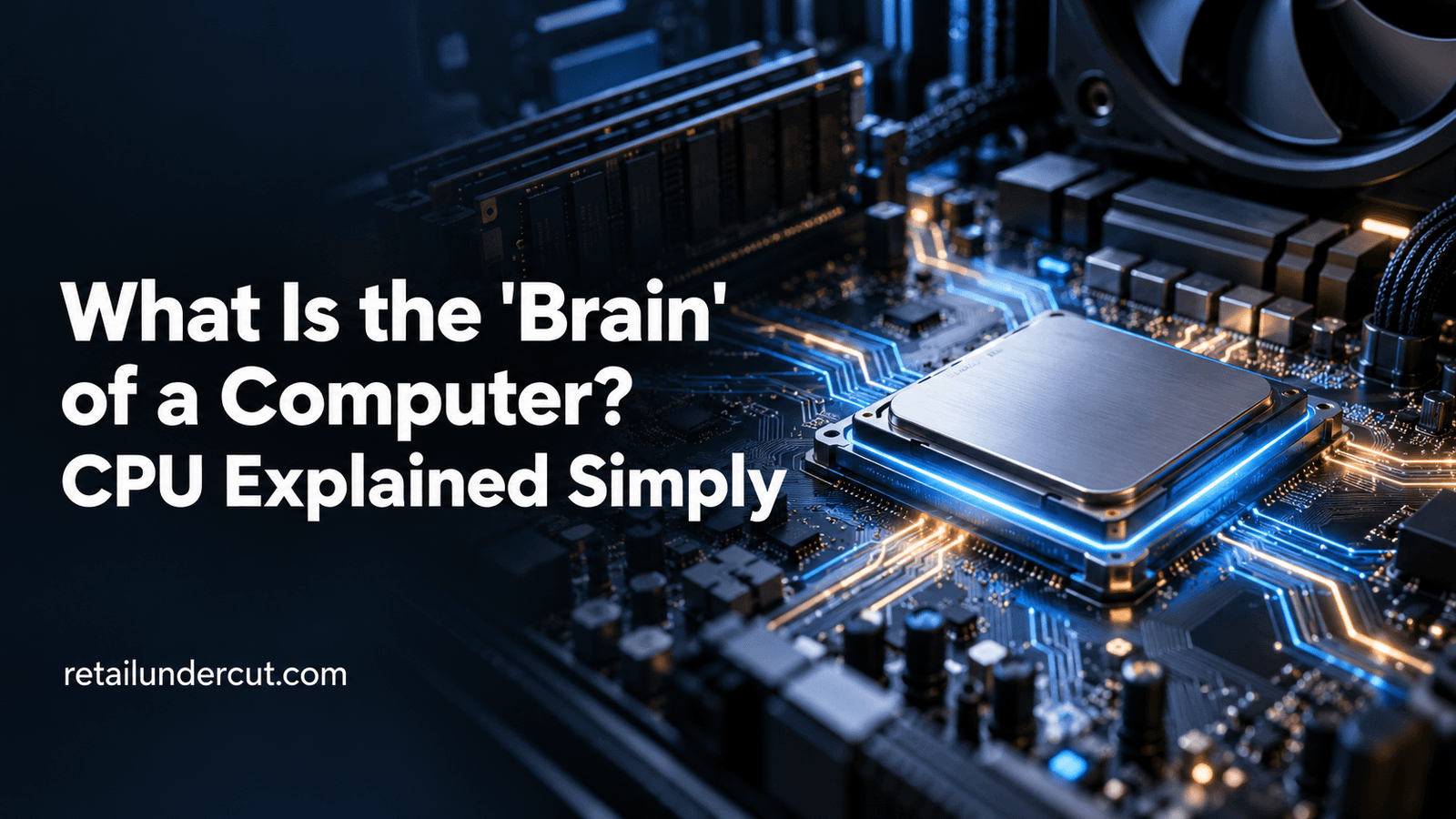
What is the “brain” of a computer? The CPU — short for Central Processing Unit — is commonly called the brain of a computer because it’s the component responsible for executing instructions, performing calculations, and coordinating the activity of every other part of the system. Just as a brain processes signals and directs the body’s actions, the CPU processes data and directs how a computer carries out tasks, from opening an app to rendering a video.
This guide explains what a CPU actually does, how it relates to other computer components sometimes described in similar terms, and why understanding this analogy helps make sense of how computers work at a basic level.
What the CPU Actually Does
At its core, the CPU executes instructions from software programs. Every action a computer performs — opening a file, running a calculation, displaying a webpage — ultimately gets broken down into a sequence of very simple instructions that the CPU processes one after another (or many in parallel, in modern multi-core processors). The CPU fetches instructions from memory, decodes what they’re asking it to do, executes them, and stores the results, cycling through this process billions of times per second.
Why “Brain” Is a Reasonable (If Imperfect) Analogy
The brain analogy works reasonably well because the CPU, like a brain, is the central coordinating component that processes information and directs activity elsewhere in the system. It’s not that the CPU “thinks” in any meaningful sense — it’s an electronic component executing predefined instructions extremely fast — but functionally, it plays the same coordinating, decision-making role within a computer that a brain plays within a body: receiving inputs, processing them according to a set of rules, and directing outputs and actions accordingly.
Key Parts of a CPU
Modern CPUs are complex, but a few core components are worth understanding at a basic level:
- Cores. A CPU can have multiple processing “cores,” each capable of executing instructions somewhat independently. More cores generally allow a computer to handle more tasks simultaneously.
- Clock speed. Measured in gigahertz (GHz), this represents how many cycles of instructions a CPU can process per second — a rough (though not complete) indicator of raw processing speed.
- Cache. A small amount of extremely fast memory built directly into the CPU, used to store frequently accessed data so it can be retrieved faster than pulling it from the computer’s main memory.
- Arithmetic Logic Unit (ALU). The part of the CPU that performs mathematical calculations and logical comparisons.
CPU vs. GPU: Two Different Kinds of Processing
The CPU isn’t the only processor in a modern computer. The GPU (Graphics Processing Unit) handles a different kind of workload — particularly the kind of massively parallel calculations needed for rendering graphics, video, and increasingly, AI computations. A useful way to think about the difference: the CPU is a versatile generalist, good at handling a wide variety of sequential tasks quickly, while the GPU is a specialist, extremely good at handling many similar, simple calculations simultaneously. Modern computing tasks, especially in gaming, video editing, and AI, often rely on both working together.
How the CPU Relates to Other “Brain” Analogies
The CPU is the most common component described as a computer’s “brain,” but it’s worth noting that this is a simplification, since a computer’s overall function relies on the CPU working closely with memory (RAM), storage, and other components. Some more specific analogies exist too: RAM is sometimes compared to short-term memory (holding data currently in active use), while storage (an SSD or hard drive) is compared to long-term memory (holding data even when the computer is powered off). None of these analogies are perfect, but together they offer a reasonably intuitive way to understand how a computer’s core components relate to each other.
CPU vs. Memory vs. Storage: A Quick Comparison
| Component |
Common Analogy |
What It Actually Does |
| CPU |
Brain |
Executes instructions and performs calculations |
| RAM (memory) |
Short-term memory |
Temporarily holds data actively being used by running programs |
| Storage (SSD/HDD) |
Long-term memory |
Permanently stores data even when the computer is powered off |
| GPU |
Specialist processor |
Handles graphics rendering and parallel computational workloads |
Why CPU Performance Still Matters
Even with GPUs handling more specialized workloads, the CPU remains critical to overall computer performance, since it manages the operating system, coordinates communication between all other components, and handles the vast majority of everyday computing tasks that aren’t specifically graphics or AI-related. A slow or outdated CPU can bottleneck an otherwise capable computer, which is why CPU specifications remain one of the first things people check when buying or upgrading a computer.
Common Misconceptions About CPUs
- “A higher clock speed always means a faster computer.” Clock speed is one factor among several — the number of cores, architecture efficiency, and how well software is optimized for the CPU all matter too.
- “The CPU does all the computer’s work.” While central, the CPU works alongside the GPU, memory, and storage, and modern systems increasingly offload specific tasks (like graphics or AI processing) to specialized components.
- “More cores always means better performance.” More cores help with tasks that can run in parallel, but many everyday tasks don’t take full advantage of many cores, so raw core count isn’t a complete measure of real-world performance.
Frequently Asked Questions
Is the CPU really the “brain” of a computer?
It’s a helpful simplification rather than a literal description. The CPU does function as the central coordinating and processing component, similar to how a brain coordinates a body, but it doesn’t “think” — it executes predefined instructions extremely quickly.
What’s the difference between a CPU and a GPU?
A CPU handles a wide variety of general computing tasks sequentially, while a GPU is specialized for handling many similar, simple calculations in parallel, making it particularly well-suited for graphics rendering and certain AI workloads.
Does a faster CPU always mean a faster computer?
Not necessarily. Overall computer speed depends on multiple factors, including the CPU, but also RAM, storage speed, and how well the software is optimized, so a fast CPU alone doesn’t guarantee the fastest overall experience.
The Bottom Line
The CPU is commonly called the “brain” of a computer because it’s the central component responsible for executing instructions and coordinating the rest of the system’s activity, much like a brain coordinates a body. While the analogy is a simplification — the CPU doesn’t think, and it works alongside other important components like the GPU, RAM, and storage — it remains a useful, intuitive way to understand the CPU’s central role in how computers actually function.